
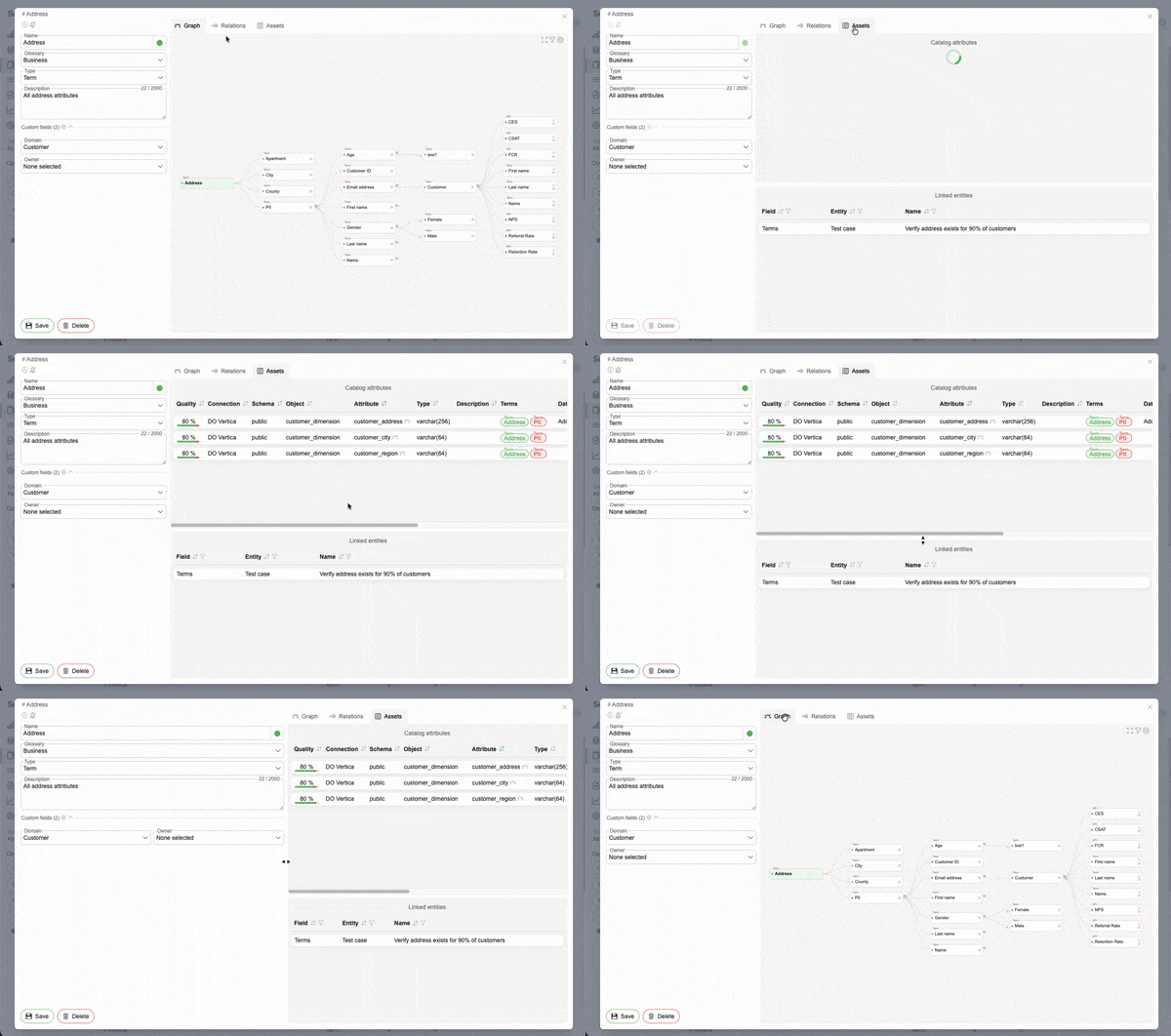
Glossary term view tabs & enhancements
The Glossary term detail view has been redesigned with dedicated tabs for Graph, Relations, and Assets, making it easier to explore and manage term context. The legacy view has been unified with the Catalog layout, enabling a side-by-side experience with configurable panel widths that are saved per user for a more personalized workflow.
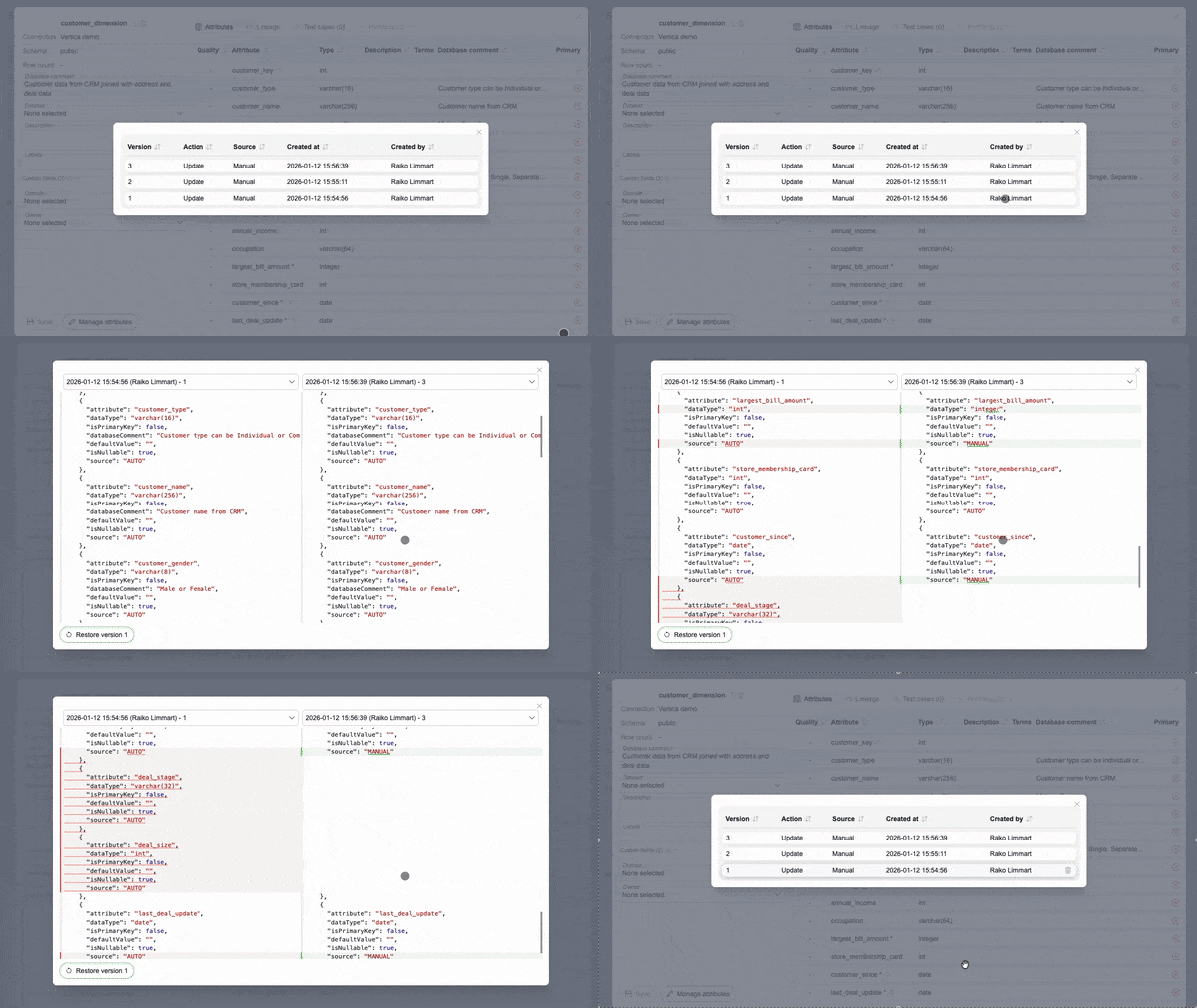
Change history for Catalog and Glossary
The platform now keeps a full change history for individual Glossary terms, catalog objects, and attributes. All updates are retained, making it easy to review what changed, when, and by whom, and to revert unwanted changes when needed.
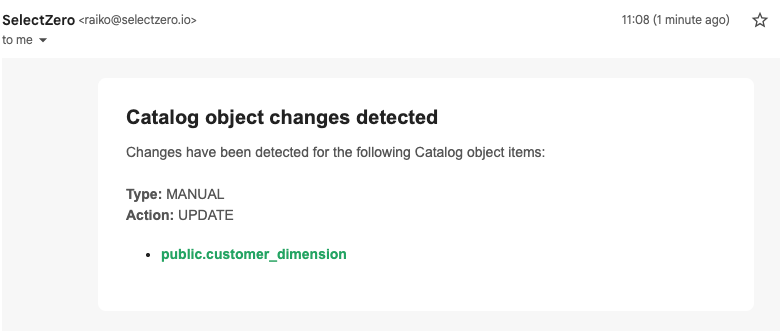
Notifications for Catalog and Glossary changes
Users can configure automatic notifications for changes to specific Glossary terms or Catalog objects, such as schema drift. Alerts are delivered by email and include direct links to the affected entities, making it easy to review changes as they happen.
Percentage-based results for Test cases
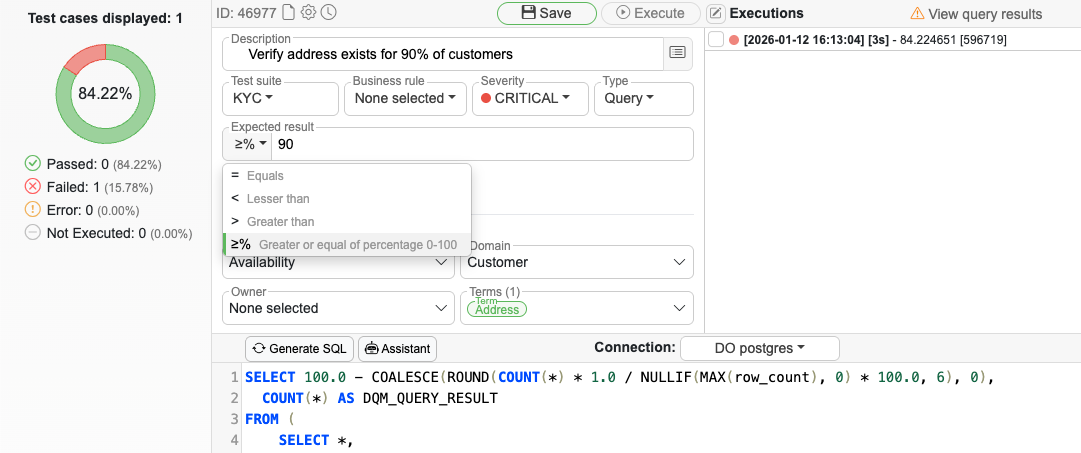
Test cases can now evaluate results against a percentage threshold instead of a strict pass or fail. The measured percentage is propagated across the platform and reflected in data quality metrics and dashboards. For example, a validation that checks whether at least 90% of rows meet a rule will display the actual percentage result in dashboard visualizations.
Test case results on custom Dashboards
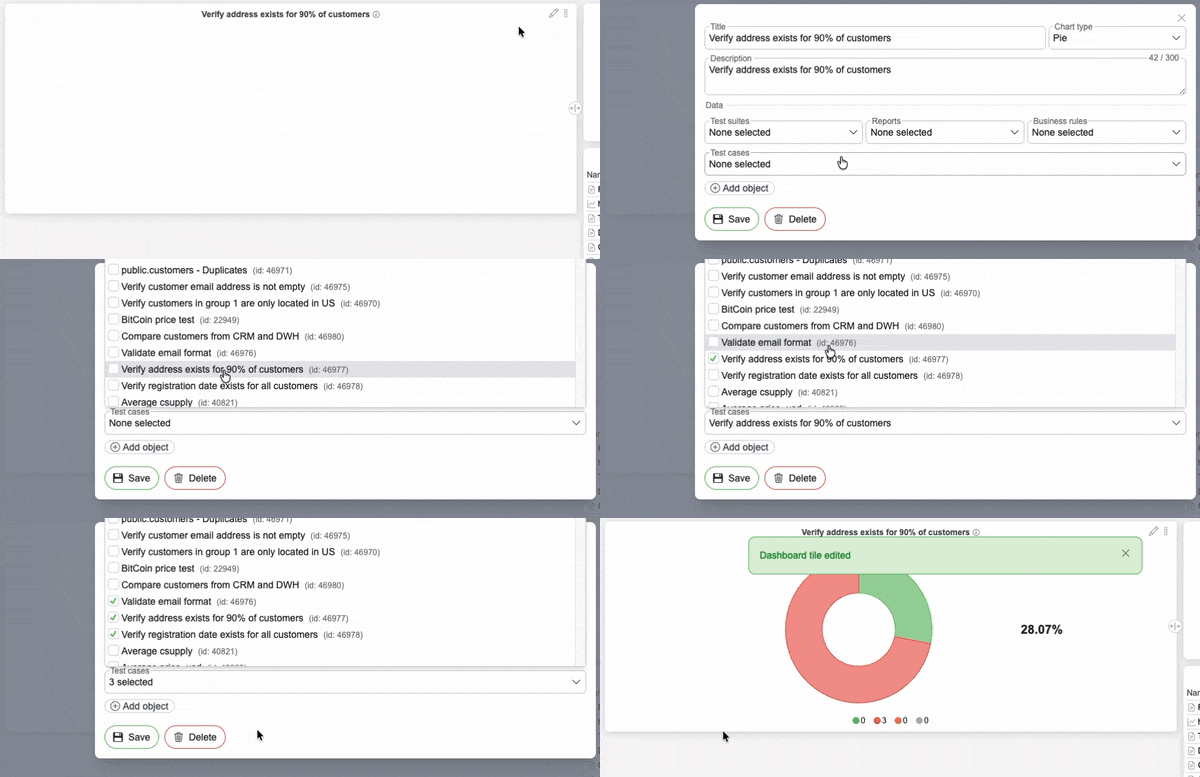
Individual Test cases can now be added directly to Dashboard tiles, making it possible to build custom, validation-based data quality metrics and monitor specific Test cases.
Test case enhancements
Test case SQL can now be viewed in full screen using a dedicated button in the SQL editor, making complex validations easier to read and edit. In addition, users can define custom row-level result queries by using subqueries in the SQL projection, enabling more flexible and advanced Test case logic (see documentation for details).
Glossary terms, date and textarea as Custom fields types
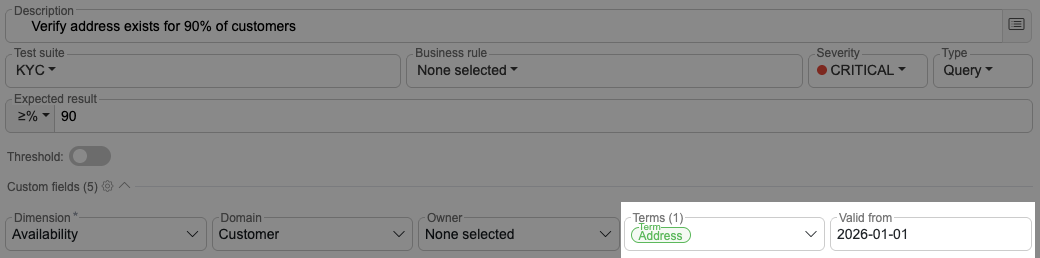
New Custom Field types are now available, allowing values to be selected from existing Glossary terms, entered as dates, or captured using larger text areas. This enables richer metadata and more structured documentation across the platform.
Custom fields for Business rules
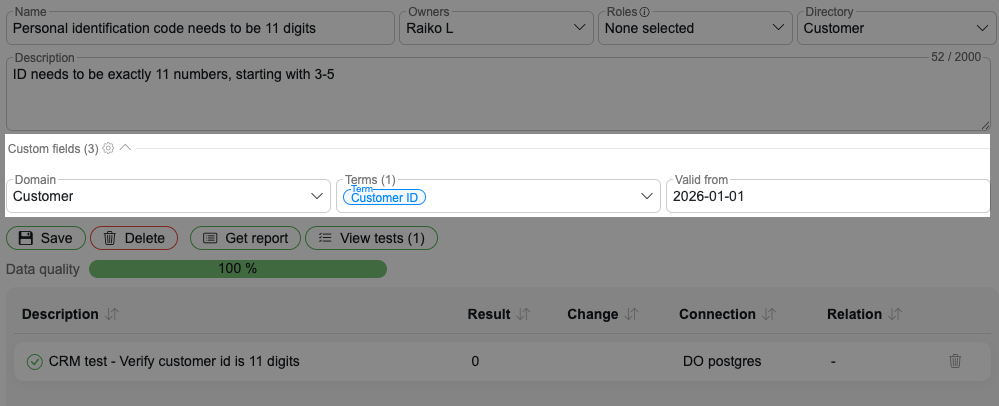
Custom fields can now be assigned to Business rules, allowing teams to capture additional metadata and standardize documentation alongside existing rule definitions.

Release 2025.12
Glossary term view tabs & enhancements The Glossary term detail view has been redesigned with dedicated tabs for Graph, Relations, and Assets, making it easier to explore and manage term context. The [...]
BCBS 239: How Data Observability helps to meet regulatory compliance
Following the 2007–2008 global financial crisis, it became painfully clear that many of the largest global financial services firms did not have the tools, methodology or data governance principles needed to accurately measure their risk [...]

Release 2025.10
Personalised dashboards SelectZero now allows users to create fully customizable data quality dashboards with flexible layouts, visualizations, and content. Dashboards can include Test Suites, Reports, Business rules, or individual Data Objects, and are role-based to [...]
Release 2025.8
BI tools integrations (Tableau, Power BI) You can now connect Tableau and Power BI (Power BI Service) as datasources, enabling access to report metadata and automatically mapping lineage from reports to their underlying datasources. [...]
Exploring SelectZero #2: Data reconciliation
In this short video we will walk through how to create data reconciliation checks between multiple databases. With SelectZero’s data quality platform, you can define and run data comparisons to detect discrepancies like missing [...]
Exploring SelectZero #1: Data validations
In this short video we will walk through how to validate data directly in a data warehouse using SQL. With SelectZero’s data quality platform, you can define and run quality checks that catch critical [...]